Frame your designs
Fralo adds the same phone, tablet, or browser frame to a whole set of screenshots. Use them on your App Store page, in a release post, or wherever you need them.
Free and open source · macOS 14+ · Apple silicon
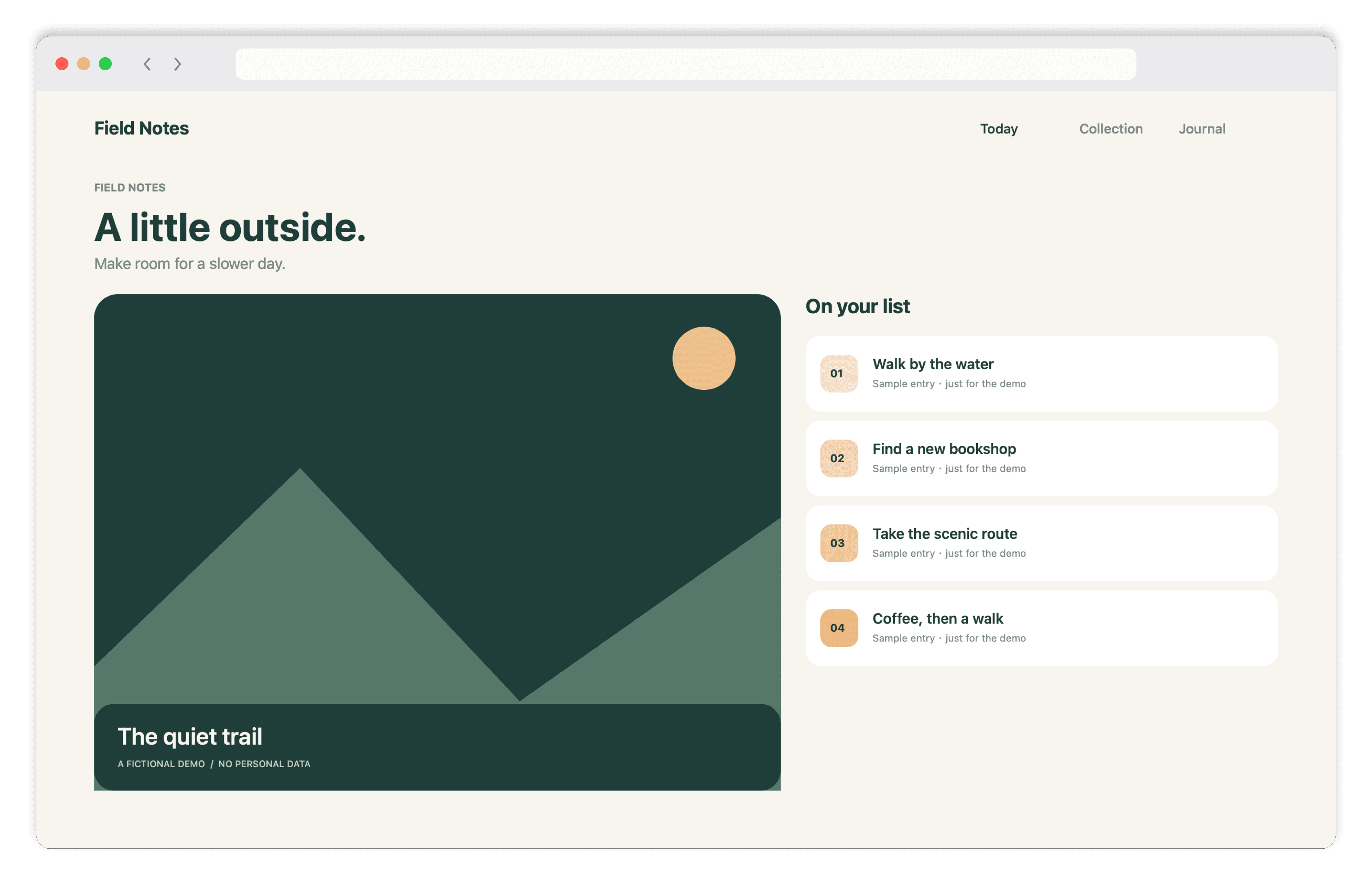
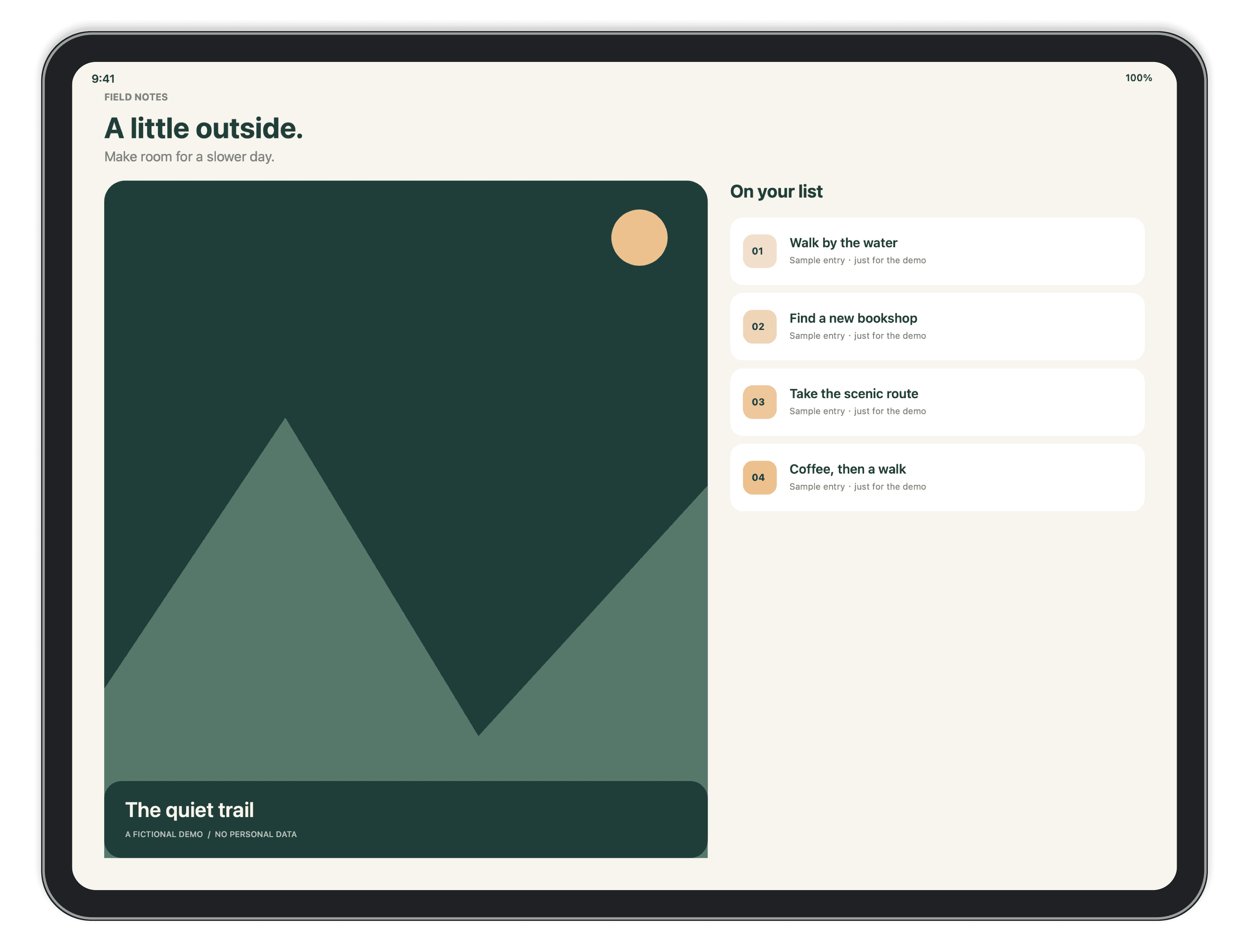
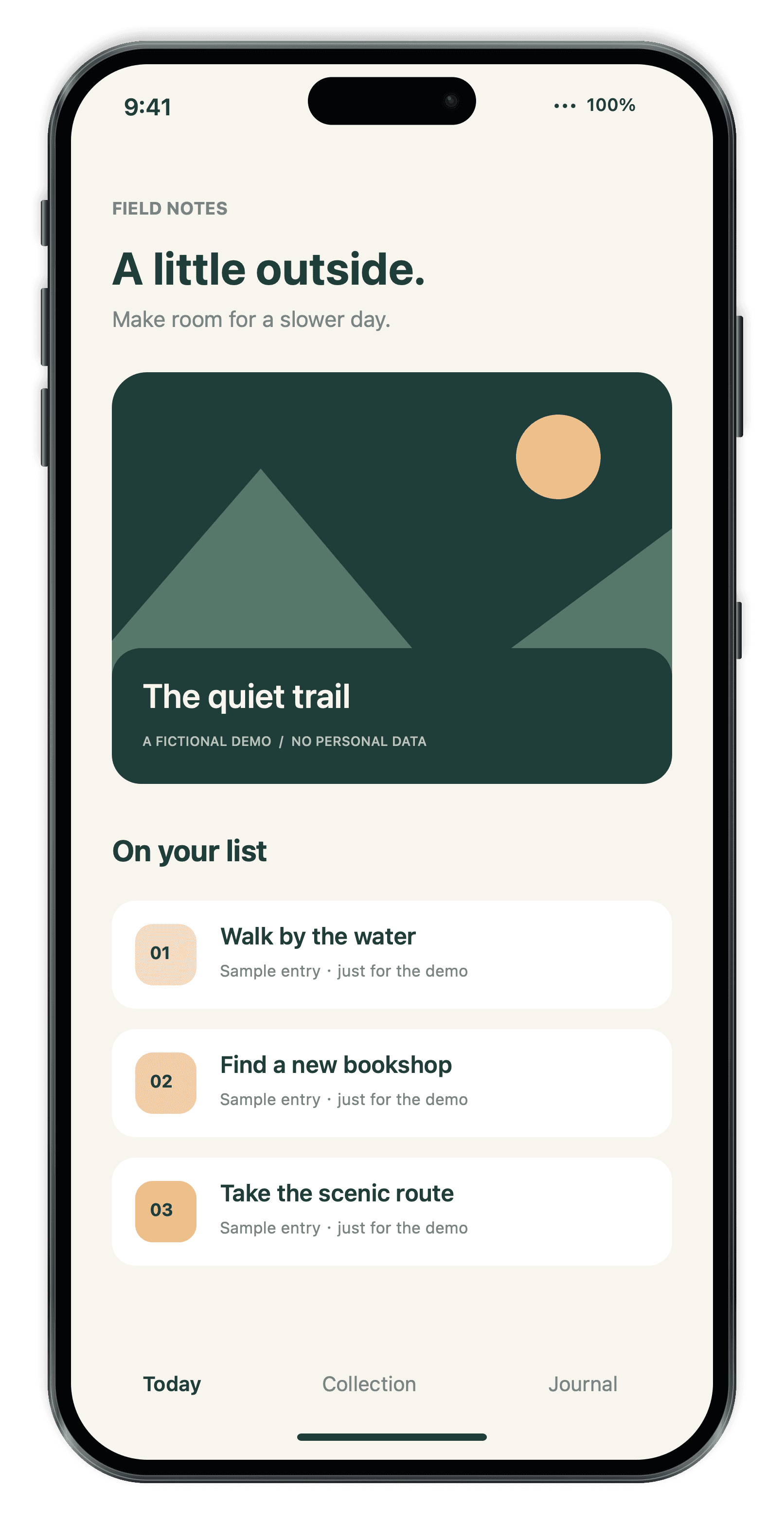
See how it looks framed
Drag to see the difference
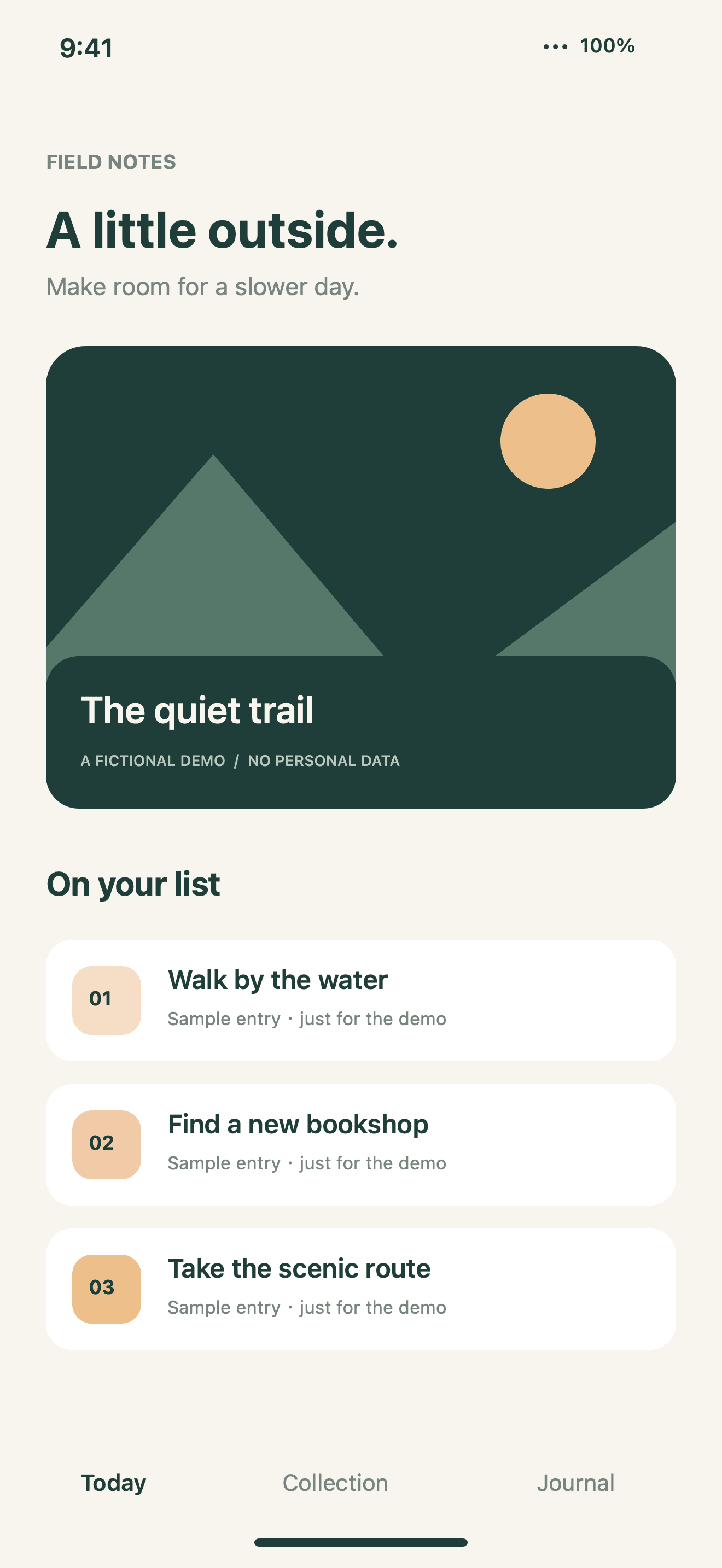
Make the canvas your own
Place the device on a preset canvas, customize the background, or export just the device on a transparent background.
Canvas 4:3 · warm texture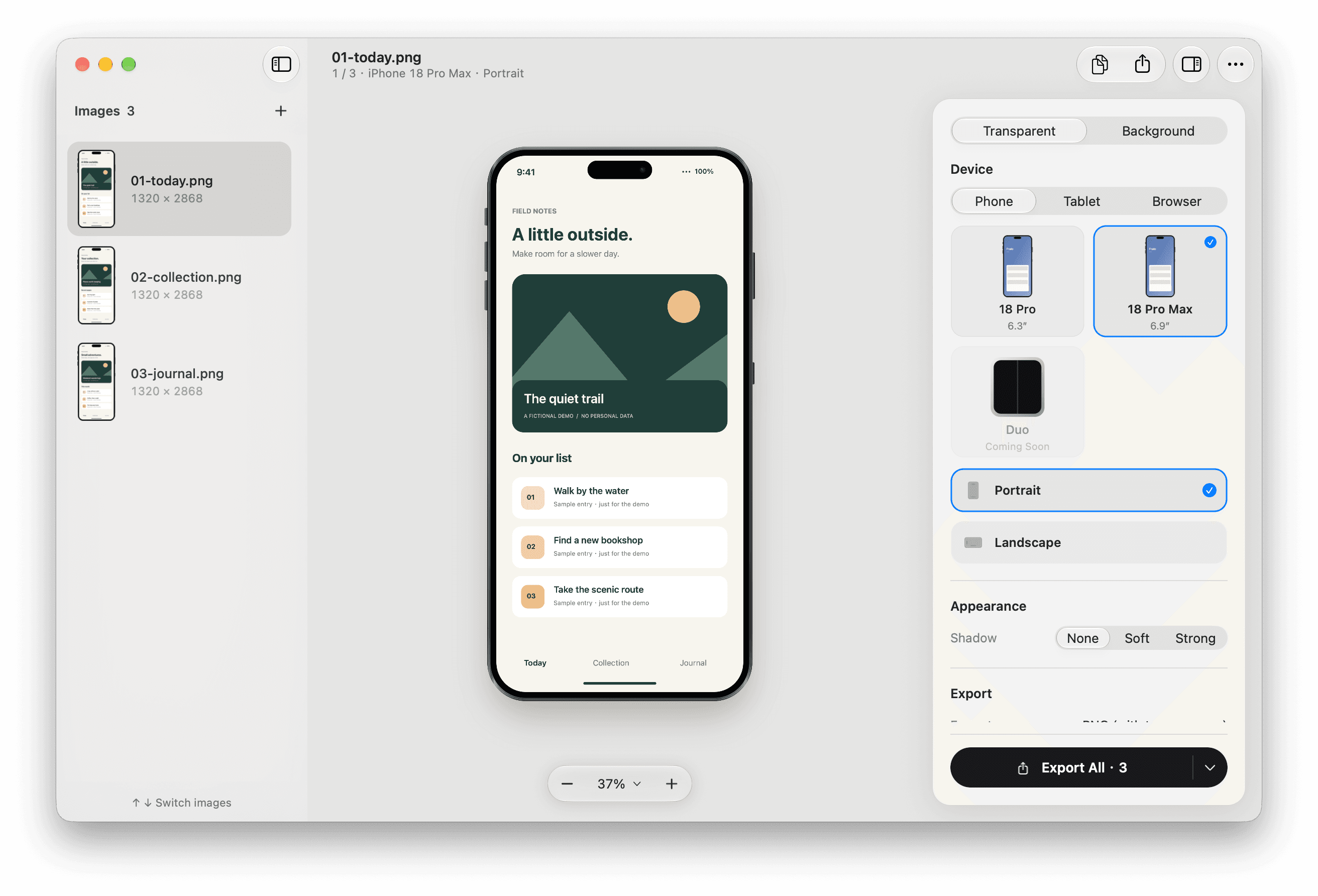
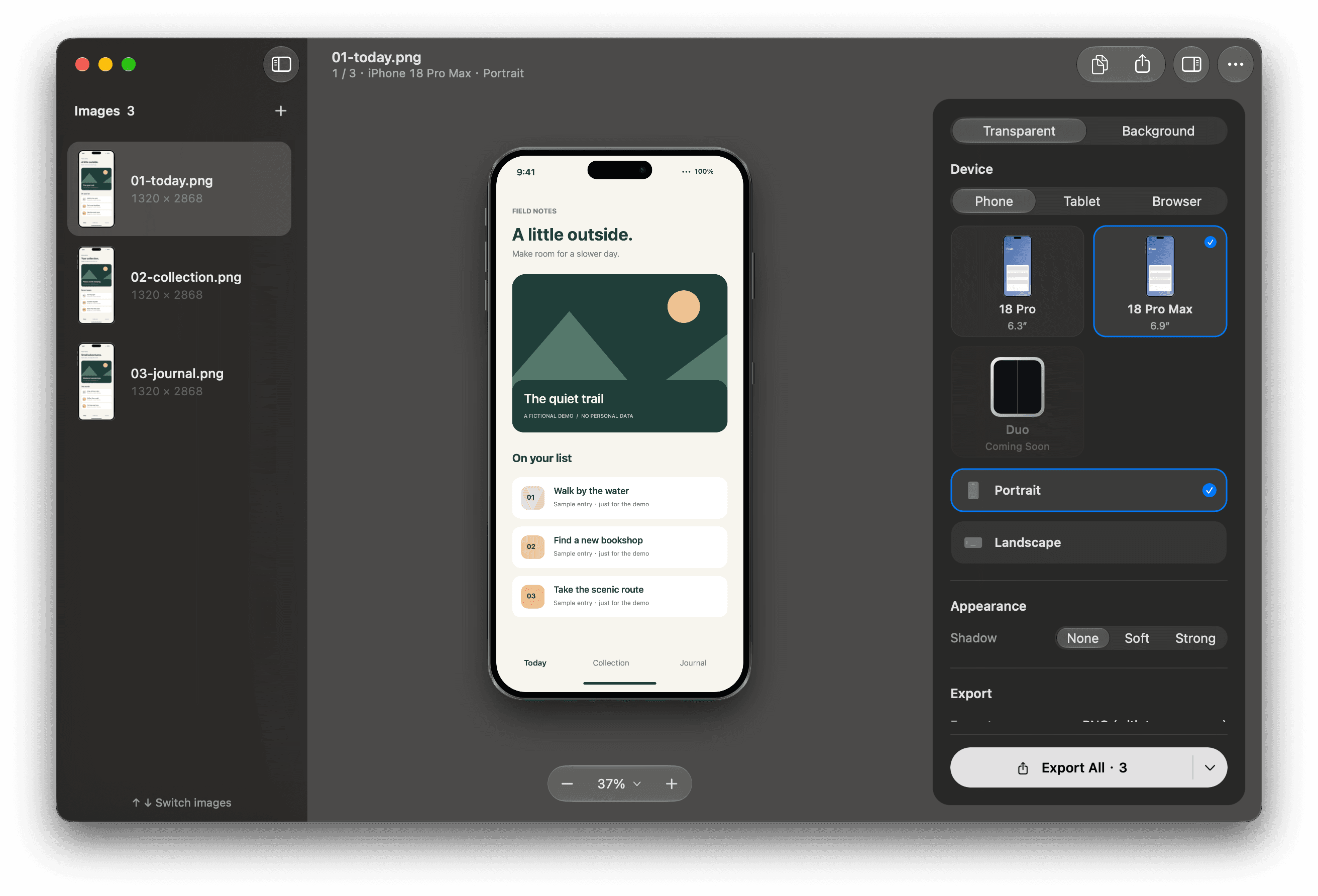
A batch, not a file. Drag in screenshots or a folder. Every one gets the same setup.
Placed by hand. Drag the device in the preview, or nudge it 1 px with ⌥ and an arrow key.
Exports you can trust. A new folder each time. Originals untouched. One failure never stops the batch.
Local. No account, upload or analytics. English, 简体中文, 繁體中文, 日本語.
Same look, one command
Want to hand it off to your agent? One line is all it takes. Everything your agent needs is right here.
$ fralo compose ./screenshots --output ./framed --app-settings --json
  "status": "completed",
  "succeeded": 12,
  "failed": 0
Frames, canvases, export.One Mac app is all it takes.
Fralov0.2.0
Free and open source · macOS 14+ · Apple silicon
Install from Terminal
Paste this command into Terminal. It installs Fralo and prints the CLI path.
